How much does it cost?
$10 one-time for the app, or $20 with the Build & Use guide. There's no subscription. Because Sulyara uses your own API key, AI usage is billed by your provider, and with a local Ollama model there's no usage cost at all.
Do I need an API key?
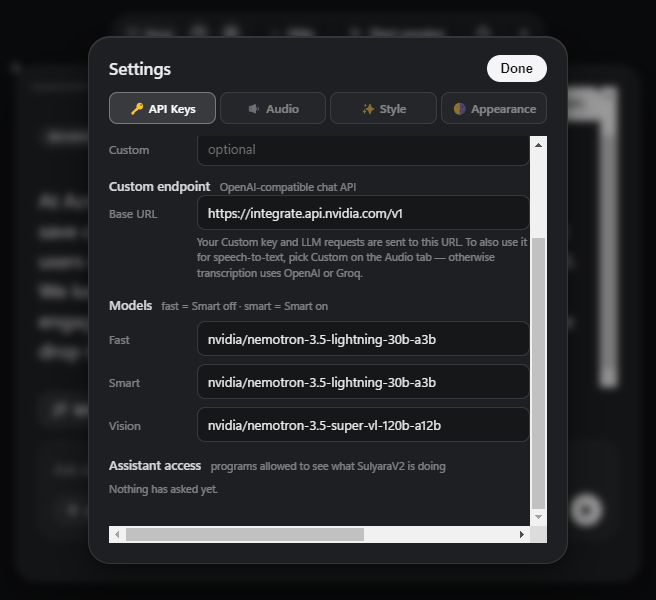
You need either an API key from a supported provider (OpenAI, Anthropic, Gemini, Groq, Cerebras, DeepSeek, MiniMax, Azure AI, or any OpenAI-compatible endpoint) or a local Ollama server. Add it in Settings → API Keys.
Why does Windows warn me when I install it?
The installer isn't code-signed yet, so SmartScreen may show "Windows protected your PC". Choose More info, then Run anyway. You can compare the file against the published SHA-256 checksum first.
Does my audio go to the cloud?
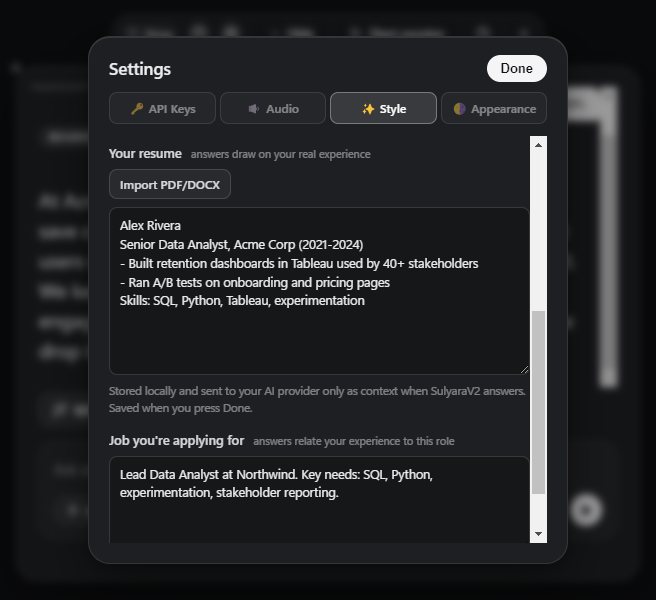
Transcription runs on your PC with whisper.cpp. In Local mode, audio never falls back to a cloud service. When you ask for help, the question, recent transcript, your résumé and job context, and a screenshot for Smart assist go to the AI provider you configured.
Will people on the call see it?
On Windows 10 version 2004 or later, in a session on your own PC, Sulyara asks Windows to keep its window out of screen capture, so it doesn't show in screen shares or recordings. Over Remote Desktop or in a virtual machine it stays visible and says so.
Which AI models does it work with?
OpenAI, Anthropic, Gemini, Groq, Cerebras, DeepSeek, MiniMax, Azure AI, a local Ollama server, or any OpenAI-compatible endpoint, using your own API keys.
Is it okay to use during an interview?
That depends on the rules of the interview, exam, or meeting. Check them before using an AI assistant, and treat suggestions as prompts for your own answer, not a script.